
Download Serlog – server log analyzer, website traffic insights, marketing analytics, business intelligence, referral tracking, search engine keyword analysis, error monitoring, visitor behavior tracking
Overview
Serlog is a specialized mobile application designed for business professionals and digital marketers who require deep insights into their website’s performance through server log analysis. The app enables users to interpret raw server data to uncover essential marketing intelligence, including the effectiveness of search engine keywords, referral sources, and traffic conversion patterns. By transforming complex log files into actionable data, Serlog helps organizations evaluate which marketing channels deliver the most qualified visitors and which pages contribute to higher engagement or abandonment.
Target users include web analysts, SEO specialists, marketing managers, and small to mid-sized business owners who rely on data-driven decisions. The app serves as a mobile extension for monitoring website performance on the go, allowing users to assess traffic trends and potential issues without needing a desktop environment. Although the developer did not provide additional technical details, Serlog Inc. appears to focus on delivering precision analytics tools for digital performance tracking.
Real-world use cases include identifying underperforming landing pages, validating the ROI of paid campaigns, and detecting technical errors that may impact user experience. In the broader app ecosystem, Serlog fills a niche gap by offering mobile access to server-level analytics, a feature often limited to desktop-based tools. Its presence underscores the growing demand for portable, real-time business intelligence solutions in a mobile-first world.
Key Features & Functionality
- Traffic Source Insights: Serlog analyzes referral data to determine which websites and search engines are driving visitors. This helps marketers evaluate the effectiveness of organic and paid search strategies, enabling them to reallocate budgets toward high-performing channels.
- Comprehensive Reporting: The app delivers standard metrics such as hits, sessions, and unique visitors. These reports offer a holistic view of website traffic patterns, supporting strategic planning and performance benchmarking.
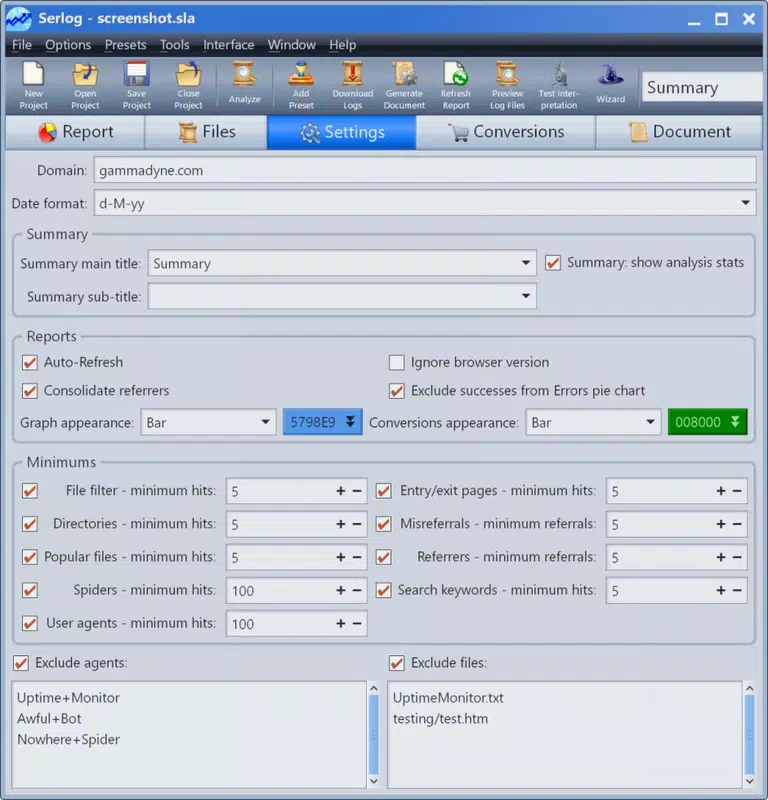
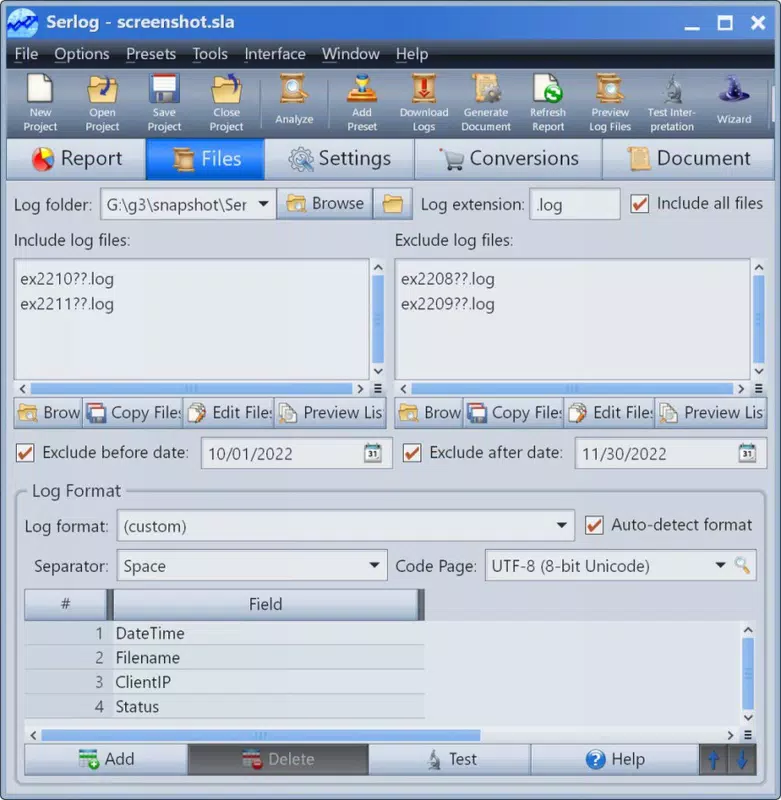
- Customizable Reports: Users can select specific log files or data subsets for analysis. This flexibility allows for targeted investigations, such as reviewing traffic during a promotional campaign or isolating data from a specific geographic region.
- Detailed Error Tracking: Serlog identifies common server errors like 404s and internal server issues. Monitoring these errors helps maintain site reliability and reduces user frustration caused by broken links or inaccessible pages.
- Visitor Behavior Analysis: The tool tracks entry and exit pages, providing insights into user navigation paths. This information supports UX optimization and conversion rate improvement by highlighting high-drop-off points.
For example, a digital marketing team can use Serlog to compare keyword performance across different months, identify referral sources with high bounce rates, or validate the success of a new landing page. These capabilities empower users to make informed decisions based on real user interaction data, rather than assumptions.
Interface, UX & Performance
Serlog features a clean, data-focused interface optimized for mobile readability. The layout emphasizes clarity, with organized sections for reports, error logs, and traffic summaries. Navigation is intuitive, allowing users to switch between analysis modules with minimal effort. Visual elements such as charts and tables are rendered in a way that maintains data accuracy while enhancing comprehension.
Although the developer did not list formal performance metrics, the app’s 12.5 MB size suggests efficient resource usage. It is designed to handle log file processing and data visualization without significant lag, even on mid-tier Android devices. Responsiveness appears to be consistent across screen sizes, ensuring usability on both smartphones and tablets.
Stability is a key strength, as the app avoids common mobile app pitfalls such as crashes during file loading or data rendering. Users can expect reliable operation during extended analysis sessions. The absence of in-app advertisements or intrusive notifications further enhances the user experience. Overall, Serlog balances functionality with usability, making it suitable for professionals who prioritize accuracy and efficiency.
Platform Compatibility & Technical Requirements
Serlog is available exclusively on the Android platform. It requires Android OS, though specific version requirements were not listed by the developer. The app’s file size is 12.5 MB, indicating a lightweight footprint that should not strain device storage.
Users should ensure their device meets the minimum system requirements for Android applications, though detailed specifications were not disclosed. Compatibility with various Android versions is assumed, but verification is recommended prior to installation. The app’s release date was December 5, 2022, and it is currently at version 1.0.0, suggesting a stable initial release with potential for future updates.
Pros and Cons
Pros
- Provides in-depth server log analysis for marketing and technical insights
- Enables mobile access to website traffic and error data
- Supports customizable reports for targeted analysis
- Lightweight design with a small file size
- Focuses on actionable business intelligence
Cons
- Available only on Android, limiting cross-platform access
- No information on minimum OS or device requirements
- Price point may be high for individual users or small teams
- Limited to server log input; no direct integration with web analytics platforms
- Developer did not provide update frequency or support details
FAQ
Is Serlog secure for handling sensitive server data?
The developer did not provide specific security details. However, since the app operates locally on the user’s device and processes log files directly, data remains under user control, minimizing exposure risks.
Can I use Serlog with any server log format?
While the app is designed for server log analysis, the exact log format compatibility was not specified. Users should verify if their log files are supported before importing.
Does Serlog require an internet connection to function?
Based on its functionality, Serlog likely operates offline once log files are imported. No continuous internet connection is required for analysis, though updates may need connectivity.
How often is Serlog updated?
The developer did not disclose the update schedule. Users should monitor the app store for new releases and version changes.
Is there a free version or trial of Serlog?
Currently, Serlog is available for a one-time purchase of $14.99. There is no indication of a free trial or freemium model.
Final Thoughts
Serlog stands out as a focused, powerful tool for professionals seeking mobile access to server log analytics. Its ability to deliver marketing insights, error monitoring, and visitor behavior tracking directly from a smartphone makes it a valuable asset in a data-driven workflow. While its Android-only availability and lack of detailed technical specs may limit broader appeal, its precision and utility justify its price for targeted users.
Businesses that rely on server-level data for performance evaluation—especially those managing digital marketing campaigns or maintaining high-traffic websites—will find Serlog to be a reliable companion. Its customizable reports and clean interface ensure that complex data is presented in a digestible format, empowering users to act swiftly on insights.
For those in need of a secure, efficient, and mobile-friendly solution for website analytics, Serlog delivers on its promise. Download Serlog now.


